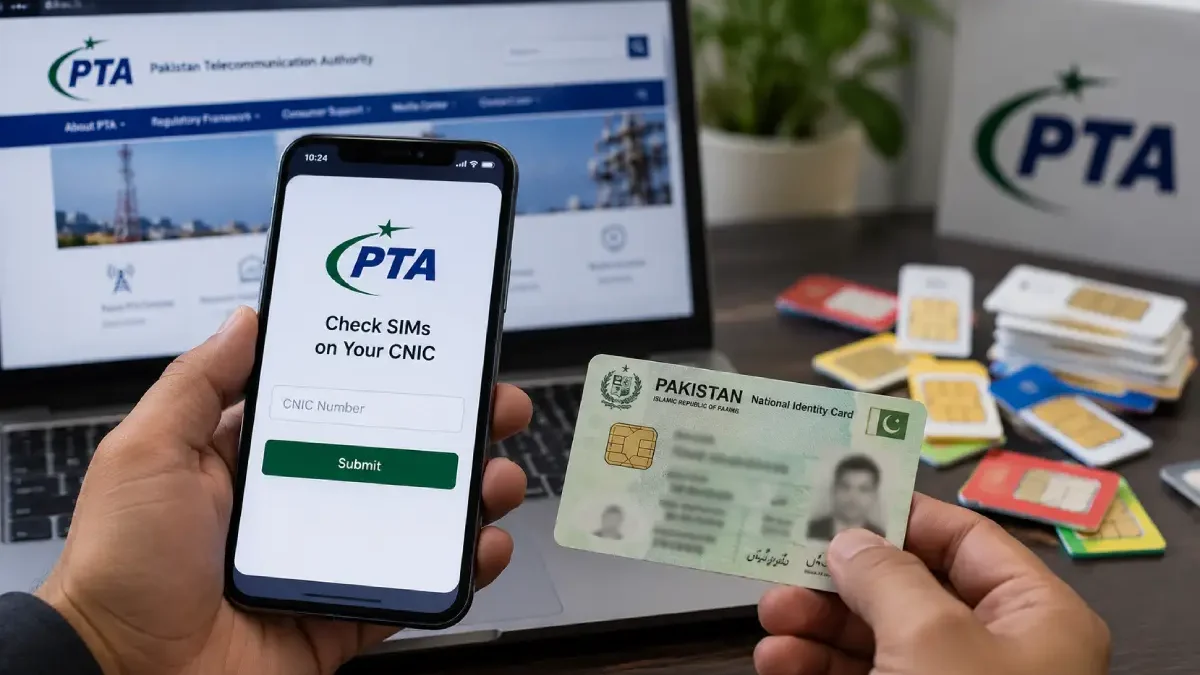
A Pak SIM data check tells you how many SIM cards are registered against your CNIC. The Pakistan Telecommunication Authority (PTA) runs this check directly. It only works for your own CNIC, not someone else’s number.
How to Check Your Pak SIM Data
Two official methods exist, and both come straight from PTA.
Method 1: SMS to 668
Type your 13-digit CNIC number with no dashes or spaces. Send it to 668. PTA replies with the total SIMs under your CNIC, split by network. Checking SIM number information through SMS 668 is free, though standard SMS charges from your own network may apply.
Method 2: PTA Online Portal
Open cnic.sims.pk on your phone or computer. Enter your CNIC number. The page shows the same SIM count, online.
What the Result Shows You
The result lists SIMs by network, such as Jazz, Zong, Telenor, and Ufone, plus the total number registered under your CNIC.
How Many SIMs Can One CNIC Hold?
PTA allows a maximum of five SIMs per CNIC, a limit the PTA chairman confirmed again at a National Assembly committee meeting in September 2026. A sixth SIM cannot be issued on the same CNIC.
Found a SIM You Didn’t Register?
If your count is higher than the SIMs you actually use, this is a warning sign. Visit the customer service centre of that network with your original CNIC, and ask them to correct or remove the unauthorised number. Acting early stops someone else from using a SIM in your name.
Why Skip Other “SIM Owner” Websites?
PTA’s own system only shows SIMs under your CNIC. It does not let anyone look up a stranger’s name or address just by typing in a phone number. Sites that promise this are not official PTA tools. Many ask you to enter your own CNIC and number first, which means you end up handing over your data instead of getting real information back. Stick to 668 or cnic.sims.pk.
Quick Recap
- SMS your CNIC (no dashes) to 668
- Or check online at cnic.sims.pk
- Five SIMs is the limit per CNIC
- Extra SIMs found? Visit the network’s service centre with your original CNIC
- No real PTA tool can show you a stranger’s SIM details from just a number



