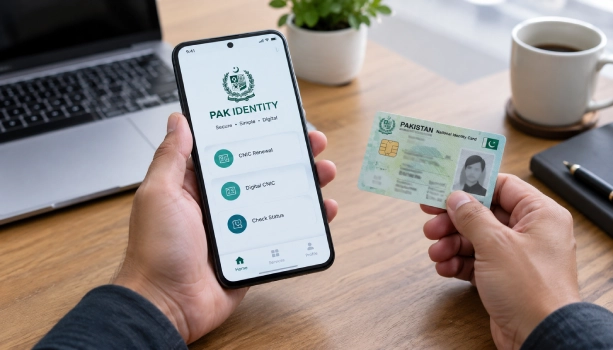
NADRA has made CNIC renewal fully digital. Citizens can now renew their identity card from home, using the Pak Identity mobile app. There is no need to visit a NADRA office or stand in a queue. The whole process, from applying to uploading documents, can be done on a phone.
NADRA says the move is meant to cut down office visits and speed up processing. The Pak Identity app has been gaining more features over time, turning it into one main platform for identity services that once needed an in-person visit.
How to renew your CNIC through the app
- Open the Pak Identity app and go to "Identity Documents" on the home screen
- Tap the "ID Card" option
- Select the applicant whose CNIC needs renewal
- Choose "Renewal" from the list of services
- Follow the on-screen steps to enter your details, upload documents, and submit the application
What Else The App Can Do
Pak Identity is not just for renewals. It also handles new CNIC applications, modifications, reprints, and NICOP for overseas Pakistanis. Users can register births, deaths, marriages, and divorces through the app too, book appointments, pay fees online, and track any application in real time. It works in both Urdu and English.
The App's Numbers So Far
NADRA says Pak Identity has crossed 10 million downloads across Pakistan. In just three months, it received 1.2 million applications, with around 10,000 applications processed every day. Online applications now make up about 45% of NADRA's total application volume.



