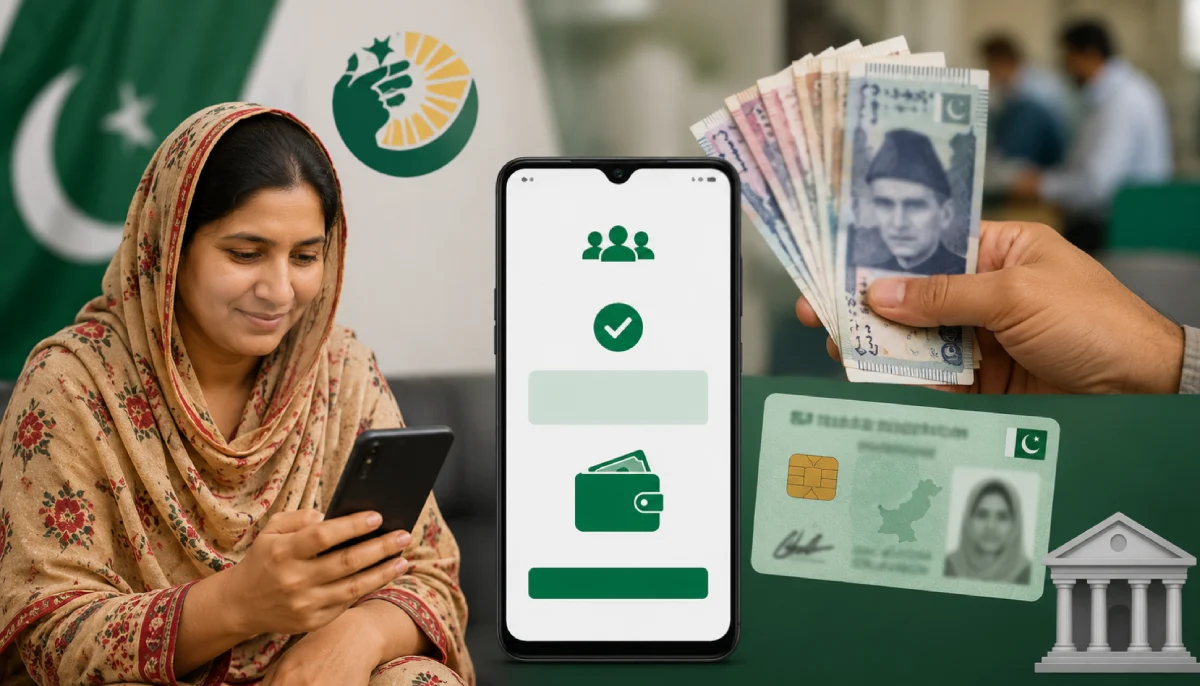
Quick answer: go to 8171.bisp.gov.pk, type your 13-digit CNIC with no dashes, enter the captcha, and hit submit. Your balance shows up right away. Here's everything else you might need, the SMS option, how to actually collect your cash, and what to do if something goes wrong.
What Is BISP 8171?
BISP stands for Benazir Income Support Programme. It's a government scheme that gives cash support to low-income families across Pakistan. The number 8171 is how you check your own status, either online or by text, using nothing but your CNIC.
What You'll Need
- Your own 13-digit CNIC. No dashes, no spaces.
- A phone. Either one with internet, or one that can just send a text.
That's genuinely it. No login, no password, no app to download.
How to Check Payment Online by CNIC
- Open your browser and go to 8171.bisp.gov.pk.
- Type in your 13-digit CNIC.
- Enter the captcha you see on screen.
- Hit "Submit" or "Check Eligibility."
- Your balance and status show up instantly.
It's free. It's open 24 hours a day. That's the whole process.
No Internet? Check by SMS Instead
Works just as well if you're offline:
- Open your messaging app.
- Type your 13-digit CNIC.
- Send it to 8171.
- A reply comes back with your status.
Portal or SMS: Which One Should You Use?
| Feature | Online Portal | SMS |
| Speed | Instant Results | Requires a Short Wait |
| Internet Required | Yes | No |
| Information Provided | Complete payment and eligibility status | Basic payment and eligibility information |
| Supported Devices | Smartphone, Tablet, or PC | Any mobile phone |
Got internet? Use the portal, you'll see more. No internet? SMS still gets you there.
Who Actually Qualifies
- You need to be a Pakistani citizen with a valid CNIC.
- Your household has to fall under BISP's low-income criteria.
- You need to already be registered in the BISP or Ehsaas database.
If your CNIC comes back as not eligible, it usually just means your household isn't registered yet, or doesn't currently meet the criteria. Not a system error.
Collecting Your Payment
Once your status shows a payment is ready, here's what actually happens next.
Where to go: a biometric bank ATM, or one of BISP's registered retail payment points near you.
What to bring: just your original CNIC. A photocopy won't cut it. Your thumbprint does the rest.
At the counter:
- Show your original CNIC.
- Scan your thumb on the machine.
- Take your full payment in cash.
- Grab your printed receipt before you walk away.
When Something Doesn't Work
CNIC not recognized? Recheck every digit. Still stuck? Confirm your registration at a BISP office.
Site won't load? Try a quieter time of day, and make sure your connection is stable.
No SMS reply? Check your SIM has enough balance, and that you're texting from your own registered number.
Thumbprint won't scan? Head to a NADRA office to update your fingerprint record, or ask a BISP help center.
Payment not showing? Sometimes it's just a delay. Give it a few days and check again.
A Warning About Scams
BISP payments cost nothing. If someone at a payment point asks for a cut or a "commission," don't pay it, and report them. Always take your full amount and your receipt before leaving. Never type your CNIC into a site you're not sure about, the only real portal is 8171.bisp.gov.pk. And ignore any call or text asking for money to "speed up" your payment. That's not how any of this works.
One Last Thing
Checking your BISP balance takes under a minute, portal or SMS, doesn't matter. Stick to the official channels, never pay anyone to speed things up, and always walk away with your full amount and a receipt.



