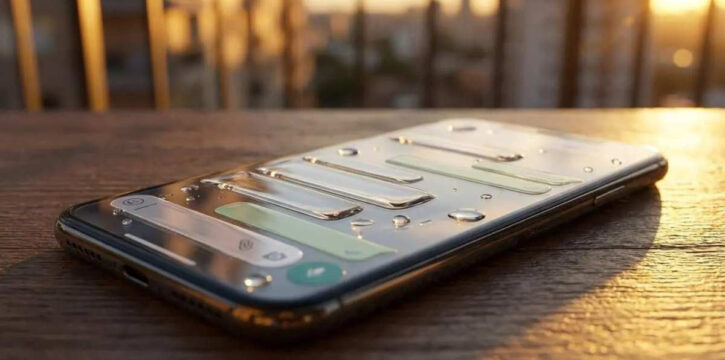
WhatsApp is introducing a major design update called Liquid Glass for its users. The new update changes the look of the app with a modern, see-through style that matches Apple’s latest design guidelines.
Meta is officially bringing its new Liquid Glass design to Mac WhatsApp users. After rolling out the translucent look on iPhone and iPad, Meta is updating the desktop app to give Apple users a matching experience across all their devices.
The new Liquid Glass update gives WhatsApp a cleaner, more modern look. It replaces older solid bars with floating, transparent elements that blend into the background.
What is New in the Update
The update available on the Mac App Store focuses on visual improvements and layout fixes across the application.
Translucent Navigation Bar
The bottom menu bar now floats above the chat screen with a frosted glass effect.
Transparent Sidebars and Menus
The main sidebar, chat bar and attachment menus also feature a frosted glass look instead of solid colors.
Text Labels on Sidebars
Navigation tabs now show both icons and clear text names. It makes it easier to switch between sections.
Dedicated Locked Chats Tab
Locked chats are no longer hidden inside the main conversation list. They now have their own section on the sidebar. It requires password or biometric verification to open.
Direct Communities Tab
You can now access Communities directly from the sidebar instead of searching inside your chat list.
Dynamic Keyboard and Menus
Pop up menus and system keyboards feature subtle reflections and depth effects.
Adaptive Backgrounds
Interface elements slightly change their shade based on light and dark mode settings.
Rollout Details
WhatsApp is releasing the Liquid Glass redesign in phases to ensure app stability. Some Mac users can already see the new look by updating through the Mac App Store. Others will receive access automatically over the coming weeks.



