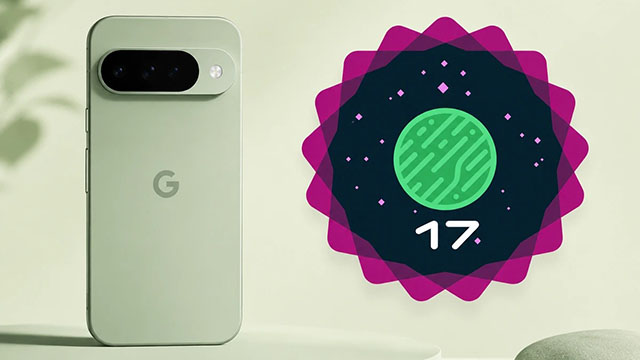
Google rolls out its third quarterly platform beta during the I/O 2026 event, bringing visual interface updates and critical system repairs to registered Pixel users.
Google has officially released the Android 17 QPR1 Beta 3 update for supported Pixel smartphones. According to official developer logs, the software deployment occurred quietly during the ongoing I/O 2026 conference.
The update serves as an early preview for the upcoming September feature drop. According to project managers, the build is available immediately for all public testers using the Pixel 6 series up to the latest Pixel 10 flagship models.
Visual Refinements and Interface Changes
According to user interface reports, the update introduces several visible design changes that alter system navigation. The operating system now moves further toward a frosted-glass look. Background blur and translucency effects are now expanded inside the power menu and Quick Settings dashboard.
The update also modifies how the system handles active processes and media:
- Smarter Media Switcher: The interface replaces the old carousel layout with a card-based design. It uses tiny side pills that users can tap to switch between active audio apps without accidental fast-forwarding.
- Screen Recording: The tool now automatically defaults to the last-used app instead of resetting user preferences.
- System Animations: Testers noted a new bounce-back motion in Quick Settings, giving it an iPhone look. There is also a new camera launch animation when double-tapping the power button from the lock screen.
Critical Stability and Bug Fixes
According to the official release notes, the development team focused heavily on resolving common performance issues.
- The update eliminates an audio bug that caused frequent crackling and distorted playback across various media sources.
- It fixed a wireless connectivity issue where devices unexpectedly dropped strong Wi-Fi signals due to an incorrect, low-quality calculation script.
- Now the desktop widgets won’t disappear from the home screen or widget picker after a phone restart.
- It resolves an interface error that cuts off active UI elements when apps are opened in full-screen view.
- The Quick Settings panel now properly deactivates the mobile data icon the exact moment a user enables airplane mode.