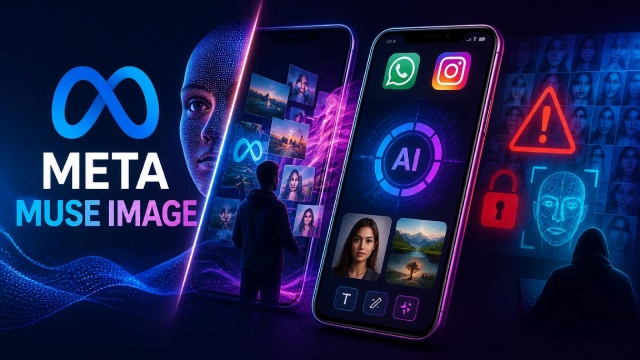
Meta just launched an advanced AI tool called Muse Image. It has sparked immediate public outrage because a hidden default setting allows total strangers to use your public Instagram photos to generate new AI pictures.
Meta Super intelligence Labs officially released its newest AI tool called Muse Image. The software is now live on WhatsApp and Instagram Stories. It can create art from simple text or even fix old photos.
Meta promotes this as a fun way to design custom event invites or personalised graphics. However, it has also triggered massive privacy complaints from users worldwide.
Claimed Benefits and Capabilities
- SMEs can generate professional marketing graphics directly inside the Meta Advantage+ ad suite.
- The AI can write and execute its own code to generate highly accurate diagrams, readable text for signs, and scannable QR codes.
- Users can erase objects from a photo, change backgrounds, or restore faded family photographs.
The Core Controversy: The @-Mention Feature
The new tool lets anyone type a public Instagram handle into the AI prompt. The system automatically grabs that person’s public photos to build a brand-new AI image featuring their exact likeness.
According to Meta’s official policy, the platform will not notify users when strangers use their face to generate AI content. Cyber security experts warned that this default setting makes it incredibly easy for people to automate phishing, identity theft, and non-consensual deepfake image manipulation.
Privacy Safeguards
Meta confirmed that the tool is strictly limited to adult (18+) accounts. Meta also introduced an invisible watermarking system called a “Content Seal.” This hidden marker stays embedded in the file even if the image is cropped, compressed, or screenshotted.
How to Opt Out?
The biggest issue is that the feature is turned on by default. Users have two main ways to block the tool:
Switch Account Type:
Switching an Instagram profile from “Public” to “Private” immediately excludes all photos from the Muse Image tool.
Opt Out Manually:
Public users can remain public but block the AI like this:
- Go to Instagram Profile → Menu → Sharing and reuse.
- Scroll down and turn off the toggle for AI features



