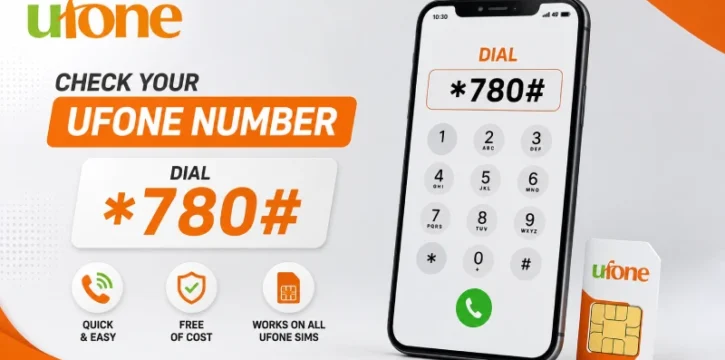
The Ufone number check code is 7803#*. Dial it from your Ufone SIM and your number shows up on the screen in a few seconds, even with zero balance.
How to Check Your Ufone Number
- Open the dialer on your phone.
- Type 7803# exactly as written.
- Press the call button.
- Your Ufone number will pop up on your screen within a few seconds.
That’s it. No app, no internet, and no balance required.
If 7803# Doesn’t Work
Sometimes a code doesn’t respond, depending on your phone or your area. If that happens, try one of these instead:
- Dial 1# — a shorter code that shows the same result on many Ufone SIMs.
- Use the UPTCL app — log in, and your number is shown right on your account screen.
- Call 333 — Ufone’s helpline. Speak to an agent and they’ll confirm your number for you.
All Ufone Code
A Quick Honesty Note
Ufone’s own website lists the UPTCL app and the 333 helpline as its official ways to manage your account. 7803# is a widely used code that works well for most people, but it isn’t formally listed on Ufone’s site, so codes like this can occasionally stop working without notice. If that ever happens, the app and the helpline will always get you the same answer.
One Thing This Code Can’t Do
7803# only shows the number of the SIM currently in your phone. It can’t tell you who owns a different Ufone number, since that kind of personal detail isn’t something any legitimate code or service shares. If you need to confirm SIM ownership for your own CNIC, that’s a separate process through PTA’s official channels, not this code.



