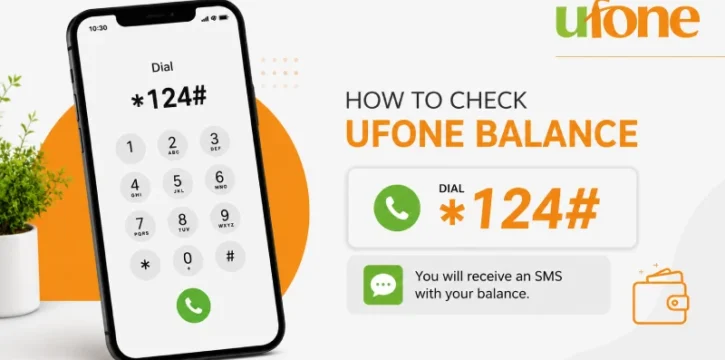
The Ufone balance check code is 124#. Dial it from your Ufone number, and your current balance shows up on screen within a few seconds. No app, no login, no waiting.
How to Check Your Ufone Balance
- Open your phone’s dialer.
- Type 124#.
- Press the call button.
- Wait a few seconds. A message will pop up showing your current balance.
This works on any phone, including basic keypad phones, and doesn’t need mobile data or an internet connection.
Want to Check Your Minutes, SMS, or MBs Instead?
Your rupee balance isn’t the same as what’s left in your active package. If you want to see how many minutes, SMS, or internet MBs you have remaining, dial a different code:
Dial 706# to see your remaining on-net minutes, off-net minutes, SMS, and internet MBs, along with when your package expires.
This is the code you want if you’re running low on data or minutes, not rupees.
Other Ways to Check Your Balance
If *124# isn’t working for you, or you’d rather not use a USSD code, here are a few backup options:
- My Ufone App: Download it from the App Store or Play Store. It shows your balance, remaining minutes, SMS, and data usage in one screen.
- Call 333: Ufone’s customer care line, reachable from any Ufone number.
- SMS method: Send “BAL” to 6600 to get your balance details by text.
What These Codes Cost
*124# isn’t completely free. It costs around Rs. 0.12 plus tax per check, deducted from your main balance. *706#, on the other hand, doesn’t cost anything to use.
Frequently Asked Questions
What is the Ufone balance check code?
*124#. Dial it from your Ufone number to see your current balance in seconds.
Is checking my Ufone balance free?
Checking your main balance with *124# costs about Rs. 0.12 plus tax. Checking your remaining minutes, SMS, or data with *706# is free.
How do I check my remaining internet MBs on Ufone?
Dial *706#. It shows your remaining data, minutes, and SMS, along with your package’s expiry date.
What if 124# isn’t working?
Try the My Ufone App, call 333 for customer support, or send “BAL” to 6600 by SMS.
Does this code work for postpaid Ufone numbers too?
These codes are built for prepaid users. If you’re on a postpaid plan, the My Ufone App or calling 333 is the more reliable way to check your account.



